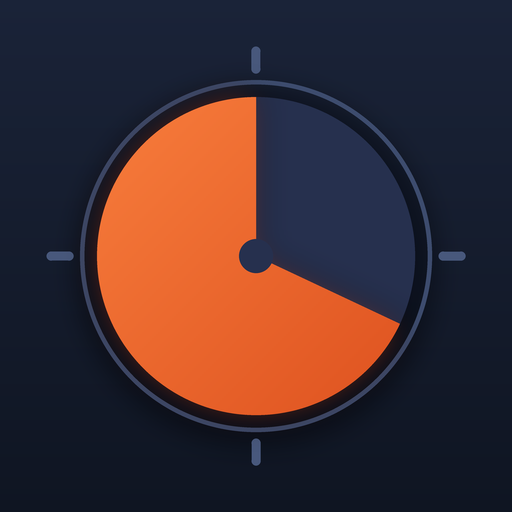
Ten minutes as a shape, not a number
The dial is set to ten minutes. Press Start and the disk drains over ten minutes, turns red for the final minute and chimes at zero. Ten minutes is the most common block in a classroom (a starter, a plenary, a quick-write), the length of a tidy-up at home, and about as long as most of us can estimate without looking up and finding twenty gone.
Where a 10 minute timer earns its place
- Lesson starters and exit tasks. Full screen on the board, visible from every seat.
- Homework sprints. Ten minutes on, a short break, ten minutes on. Chain them:
10m-Maths.3m-Break.10m-Reading. - Morning routines. "Get dressed" is a ten-minute step for most children; the routine link format lets you chain it with breakfast and shoes.
- Meetings. A ten-minute cap on an agenda item, where everyone can see the cap.
- Time blindness. If ten minutes routinely becomes forty, a disk that visibly empties on the desk beside you is a gentler correction than an alarm.
Change it
Tap another preset, type minutes into the custom box, or drag the knob around the dial; each minute is one sixtieth of the circle, as on the Timedisk app. Press Copy link to share exactly what is on screen. The link format lists every option, including ~kid for the children's theme and ~go to start on open.
Other preset timers
Teachers: the guide to using a visual timer in the classroom covers placement, step lengths and introducing the timer to a class.
Questions
How do I start the 10 minute timer?
Press Start. The disk shrinks over ten minutes, turns red for the last minute and chimes at zero. Press Start again to pause, Reset to go back to ten minutes.
Can I run 10 minutes several times in a row?
Press Again when it ends, or chain steps with a dot: #10m.10m.10m runs three ten-minute blocks with a chime between them.
Does the timer keep going if I switch to another tab?
Yes. It counts down to a fixed end time, so the disk is right the moment you return. The chime may arrive late if the browser slept the tab.
Can I make the 10 minute timer full screen?
Yes. Press Full screen or the F key; the disk and the countdown fill the display and the buttons fade until the mouse moves.
Is this the same as the Timedisk app?
It is the same disk, colours and routine model running in a browser. The app adds a live lock-screen countdown, saved routines, haptics and alert sounds that work with the screen off.