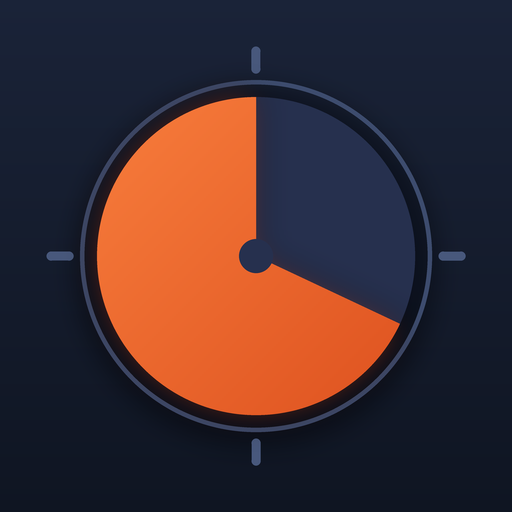
A visual timer that works in any browser
This is the Timedisk visual timer running on the web. Set a length by dragging the dial or tapping a preset, press Start, and the coloured disk shrinks as the minutes pass. Nothing to install, nothing to sign in to, and no ads around the dial. It runs on a Chromebook, a classroom smart board, a laptop at the back of a meeting room or a phone propped against a mug.
A visual timer shows time as a shape rather than digits. For anyone who cannot yet read a clock, for people with ADHD or time blindness who do not feel minutes passing, and for a room full of people who should be working rather than watching the clock, a wedge that visibly empties is easier to trust than a number that counts down. The last tenth turns red, so the end never arrives without warning.
Made for classrooms, smart boards and Chromebooks
- Full screen. The Full screen button (or the F key) fills the display with the disk and the countdown; the controls fade until you move the mouse.
- Readable from the back row. The disk scales to the screen and the countdown is set in a tabular monospace face, so digits do not jitter as they change.
- Stays awake. While a timer runs the page asks the browser to keep the screen on (the Screen Wake Lock API, where the browser supports it).
- Keeps time when the tab sleeps. The timer counts down to a fixed moment rather than ticking, so a tab that was in the background shows the right time the instant you return.
- Chime at the end. An audible chime and a red flash mark zero. Browsers only allow sound after you have tapped the page, so press Start yourself if you want to hear it.
- Three looks. Clean for adults and offices, Dark for a dim room, Kid for bigger shapes and brighter colours.
Chain steps into a routine
A routine is several timers run back to back: settle in 5, work 20, pack up 5. Open Routine link under the controls, type 5m-Settle_in.20m-Work.5m-Pack_up and press Use. Each step gets its own colour, the label shows above the disk, the next step and its end time show below, and a two-note chime marks each change. The whole routine is in the link, so you can bookmark it or send it to a colleague.
How the link works
Everything about a timer lives after the # in the address, so a bookmark, a shared link or a QR code carries the whole routine and nothing is stored on a server. The format uses only letters, digits and . _ ~ -, which every browser, chat app and smart-board launcher passes through untouched.
| Piece | Meaning | Example |
|---|---|---|
| Duration | Digits with h, m or s, combined as needed. Bare digits are minutes. | 10m · 1h30m · 90s · 25 |
-label | An optional name after the duration. _ and further - show as spaces. | 5m-Brush_teeth |
. | Separates the steps of a routine. They run back to back with a chime between them. | 5m-brush.10m-dress.3m-shoes |
~clean ~dark ~kid | Opens in that theme. | 10m.~kid |
~go | Starts counting the moment the page opens (sound stays off until you tap). | 3m-Tidy_up.~go |
Put together: https://adelyons.com/apps/timedisk/timer/#5m-brush.10m-dress.3m-shoes is a three-step morning routine. Type your own in the Routine link box above, or set the dial and press Copy link; the address bar always shows the code for what is on screen.
Other preset timers
Teachers: the guide to using a visual timer in the classroom covers placement, step lengths and introducing the timer to a class.
Questions
Is this online visual timer free?
Yes. The web timer is free, has no ads and needs no account. It is the same shrinking disk as the Timedisk app for iPhone and Android, which adds a lock-screen countdown and saved routines.
Does the timer work full screen on a smart board?
Yes. Press Full screen (or the F key) and the disk and countdown fill the display. It works in Chrome, Edge, Firefox and Safari on interactive whiteboards, Chromebooks and laptops connected to a projector.
Will the timer keep going if I switch tabs?
Yes. It counts down to a fixed end time rather than counting ticks, so the disk is correct the moment you come back. The chime may arrive late if the browser had put the tab to sleep.
How do I share a timer or routine?
Press Copy link. The address holds the whole routine after the # sign, for example #5m-brush.10m-dress.3m-shoes, so anyone who opens it sees the same timer.
Why is there no sound when the timer starts from a link?
Browsers only play sound after you have interacted with a page. When a link uses ~go to start by itself, tap anywhere or press Sound on and the chime will play at the end.
Does it store anything?
Only your theme choice, in your own browser. Timers and routines live in the link, not on a server.