For anybody with a thing in their hand
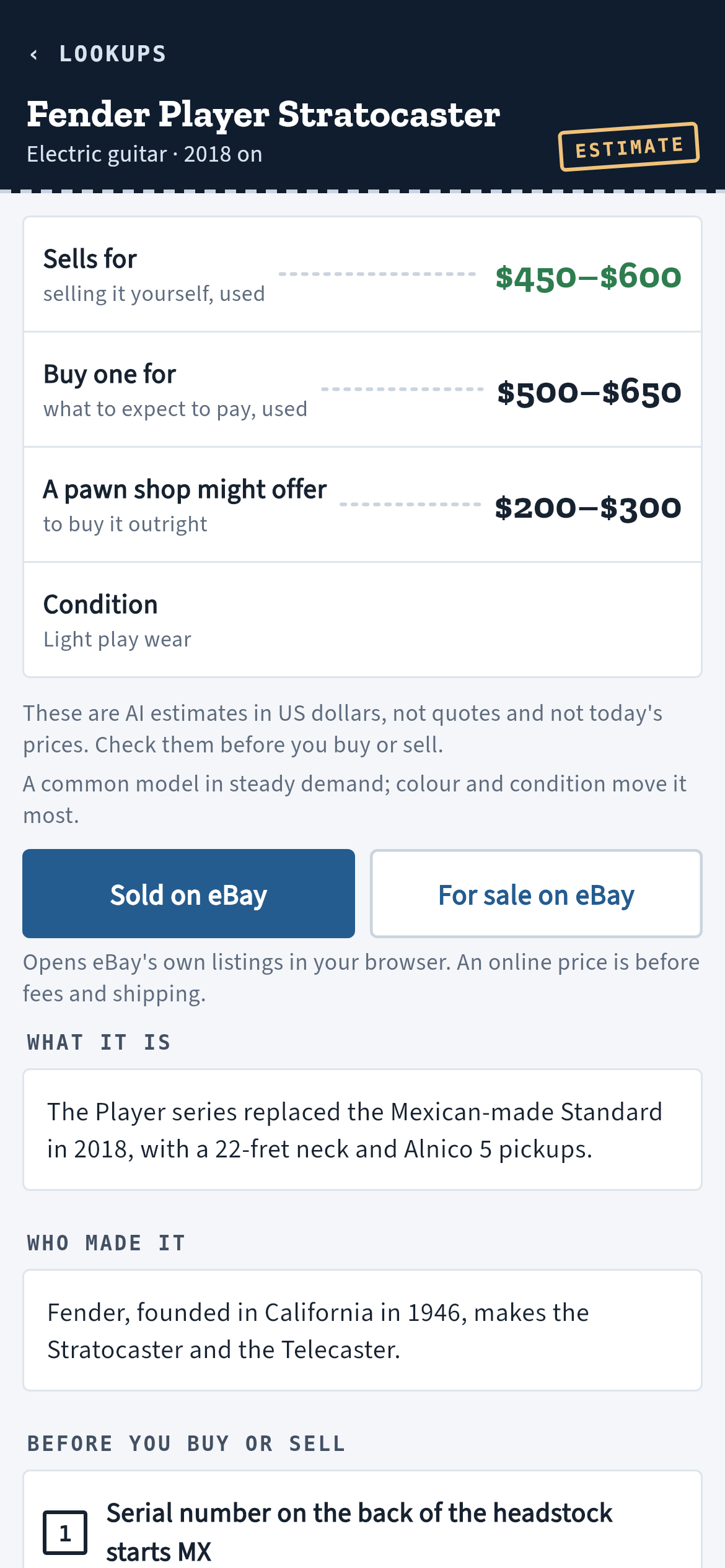
1What it is. A photo or a few words. The name, the maker, when it was made, and the history behind it when it is old.
2Three numbers, not one. What it sells for, what to pay for one, and what a pawn shop might offer to buy it outright.
3What to check. How to tell a real one, which variant is worth more, what goes missing.
4Check the number yourself. One tap opens eBay’s own sold and for-sale listings for it.
The figures are AI estimates in US dollars. They are not an appraisal, a quote or today’s price, and they can be wrong. When PawnCounter cannot stand behind a number it shows a dash, not a guess. No account, no ads; what you look up stays on your phone.
For a pawn shop
1Photo to offer, from your own sales. What the same thing sold for in your shop, how fast, and what to buy and lend at.
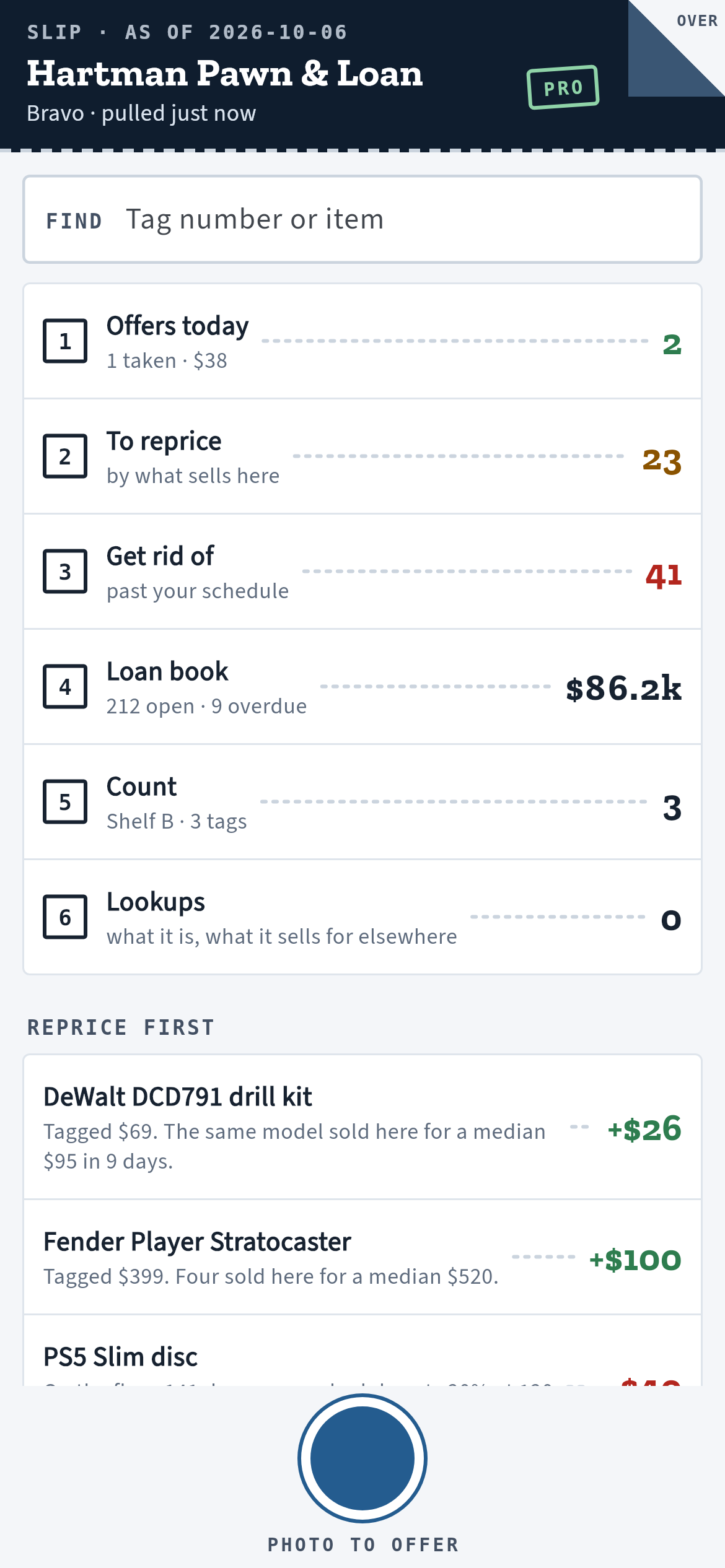
2Today’s slip. What to reprice, what to get rid of, the loan book, as of your last export.
3Count the floor. Tag by tag, with what is short, over, or on the shelf with no record. It never writes to your POS.
4Works with no signal. An offer waits with its photo and is priced when the signal returns.
The phone pairs with your shop’s PawnCounter account by a code, with no new sign-in. PawnCounter for shops is at pawncounter.com.